You’re standing in a listing with a buyer when your phone buzzes. It’s a lead asking to see a different house Saturday morning. You can’t answer right now, so you’ll call back tonight — except tonight you have a listing appointment, and by the time you actually connect, the lead has booked a Saturday showing with someone else.
That’s the real cost of running appointment scheduling for real estate agents by voicemail and memory. It isn’t that agents are bad at follow-up. It’s that the job puts you in front of clients at the exact moments new leads are trying to reach you. A scheduling system fixes the timing problem instead of asking you to be faster on the callback.
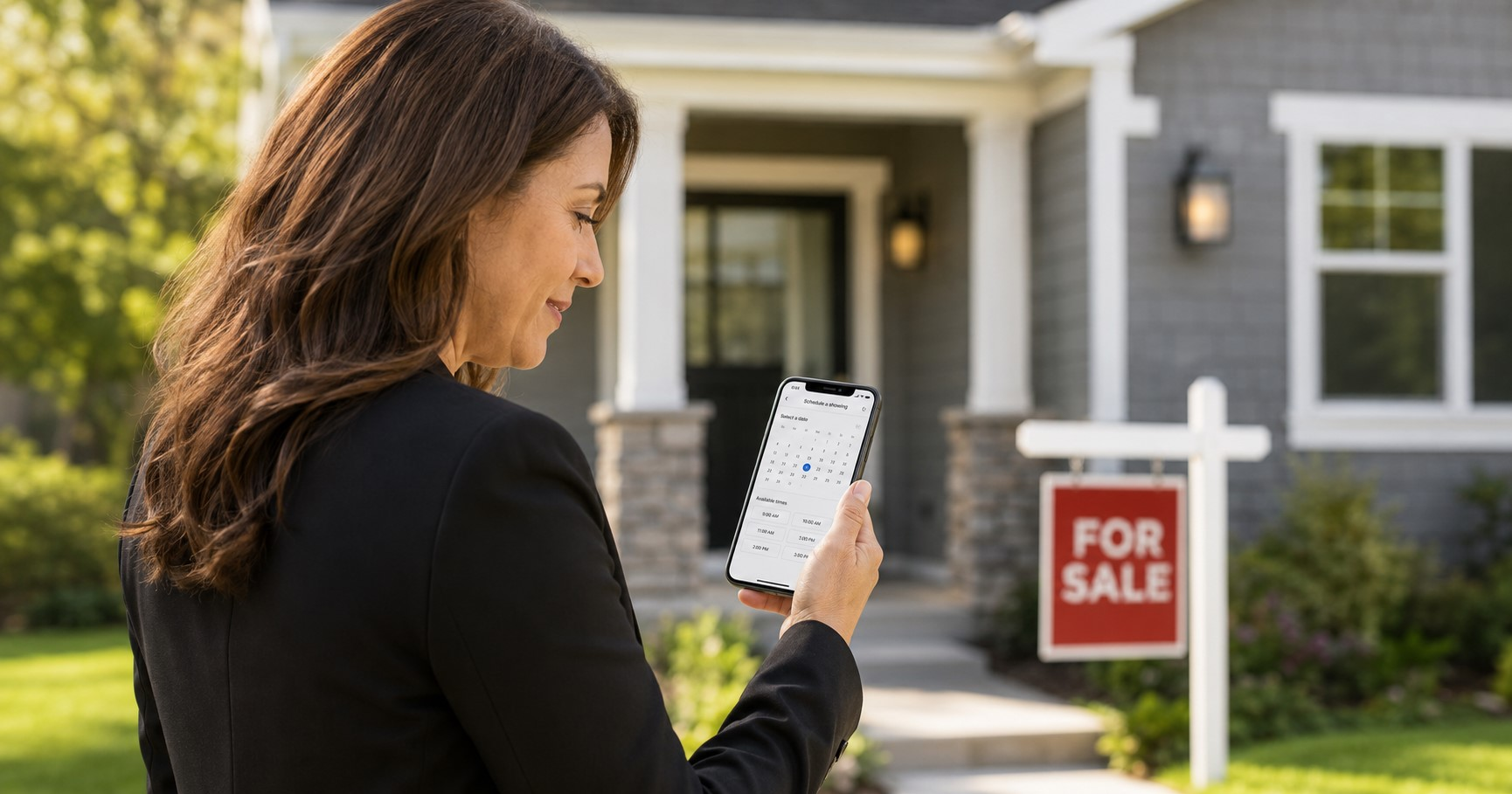
Why Phone-Tag Scheduling Breaks Down Specifically for Realtors
Most scheduling advice is written for businesses where someone is usually at a desk. Real estate doesn’t work that way. You’re in showings, on the road between listings, or at a closing — all times when a lead is deciding whether to wait for you or call the next agent on the search results page.
A booking system removes you from the bottleneck for the first step. The lead picks a time that works for them from your actual availability, gets a confirmation, and you find out about it whenever you next check your phone — instead of finding out you lost it.
The Three Parts of a Scheduling System That Actually Works
A working setup has three pieces, and skipping any one of them is usually why an agent’s “online scheduling” still doesn’t get used.
1. A booking link with real availability behind it
This is a page — through your CRM, your website, or a dedicated scheduling tool — where someone can see open time slots and pick one. The link only works if the calendar behind it is accurate. A booking page showing times you’re actually in a listing appointment creates a worse experience than no booking page at all, because now the lead thinks they have a confirmed appointment with you.
2. Calendar sync, so double-booking can’t happen
Your booking link needs to read from the same calendar you actually use for showings, closings, and personal commitments. If you’re keeping a paper calendar for showings and a separate digital one for the booking tool, the two will eventually disagree, usually in front of a client.
3. Automated reminders, sent with permission
A confirmed appointment that nobody reminds anyone about turns into a no-show. Automated email and text reminders close that gap — but text reminders specifically come with a compliance step worth doing right, covered below.
Put the Booking Link Where Leads Already Are
Once the link exists, the return on it depends on how many places it shows up.
Your Google Business Profile. Google lets businesses add a booking link directly to their profile as one of the “local business links,” and you can mark one as your “business preferred” link so it’s the one that shows first when someone finds you on Search or Maps (Google Business Profile Help). For an agent, that means someone searching your name or “[your brokerage] realtor near me” can book a consultation without ever opening your website. If your profile isn’t fully built out yet, our Google Business Profile setup guide covers that groundwork first.
Your website. A “Book a Consultation” or “Schedule a Showing” button belongs above the fold on your homepage and at the bottom of every listing and blog post, not buried on a contact page three clicks deep. RealtyLeadPilot’s own booking page is built this way on purpose — one clear step from “interested” to “on the calendar.”
Your email signature and LinkedIn profile. Every email you send and every LinkedIn post you publish is a chance to route someone straight to a time slot instead of a “call or text me” that requires them to do the scheduling work themselves.
Text Reminders: What Consent Actually Requires
Text reminders lower no-show rates because people see a text notification faster than they check email. But texting a consumer without the right consent isn’t just a bad look — it’s regulated. Under FCC rules, a business generally needs the recipient’s prior express consent before sending them texts, and that consent needs to clearly cover the specific business and purpose it’s tied to (FCC compliance guidance).
In practice, this means: get a phone number with a clear “yes, text me appointment reminders” checkbox or verbal confirmation, keep that consent tied to the specific number provided, and give every text an obvious way to reply STOP. Most reputable scheduling and CRM tools build this into the reminder flow automatically — check that yours does before you turn reminders on. This is general information, not legal advice; if you’re texting leads at volume, it’s worth ten minutes with your broker or an attorney to confirm your specific setup is compliant.
A Realistic Example
Here’s a hypothetical to show how the pieces fit together. Say an agent — we’ll call her Agent A — gets an inbound lead from a Saturday open house sign-in sheet. Instead of calling Monday and playing phone tag, Agent A’s assistant (or her CRM’s automated workflow) texts a booking link that afternoon: “Thanks for stopping by! Grab a time that works for a quick call this week.” The lead books Tuesday at 6 p.m., a confirmation text goes out with the details, and a reminder fires the morning of. Agent A never had to interrupt a showing to make that happen.
Common Scheduling Mistakes to Avoid
Too many steps to book. If someone has to create an account, verify an email, and pick a service type before they can even see available times, most leads give up. The best booking flows show open times in the first click.
No confirmation message. A lead who books but never gets confirmation isn’t sure the appointment actually happened, and some won’t show up because of it.
Calendars that don’t talk to each other. If your showing schedule lives in one app and your booking tool reads from another, sync them or pick one system. This is the single most common reason agents quietly stop using their scheduling tool.
Treating reminders as optional. Skipping reminders to save a step costs more in no-shows than it saves in setup time.
If You’re Starting From Scratch: What to Set Up First
Building all of this at once is overkill for most agents. A sensible order:
- Pick one booking tool and connect it to the calendar you actually use every day — not a second calendar you’ll forget to update.
- Turn on confirmation messages so every booked appointment sends an automatic “you’re on the calendar” reply.
- Add the link to your Google Business Profile and website before you promote it anywhere else, so early clicks land somewhere useful.
- Turn on reminders last, once you’ve confirmed your consent language is in place for anyone getting texted.
Doing these in order means each piece is working before you add the next one, instead of debugging four moving parts at once.
Where RealtyLeadPilot Fits
RealtyLeadPilot’s services are built around this exact chain — a connected website, lead capture, and scheduling so a new lead can go from “found you on Google” to “booked a time” without a manual handoff at any step. If your current setup still routes every new lead through a callback, that’s usually the first thing worth fixing.
The Bottom Line
Appointment scheduling for real estate agents isn’t about replacing the personal relationship that gets deals done — it’s about making sure a lead can grab a spot on your calendar the moment they’re ready, even if that moment happens while you’re mid-showing with someone else. Get the booking link in front of people, keep one calendar behind it, and handle text reminders with the right consent, and the phone-tag problem mostly disappears on its own.